

Ever notice how one small delay can throw off your whole project? Think of your build as a machine where every worker matters. A solid timeline acts like your guidebook, laying out each step from planning to final handoff. It helps avoid gaps, keeps costs in check, and tells each team when to show up. In this guide, we break down every phase so you can stay on track and build with confidence.
What Is a Construction Project Timeline and Why It Matters
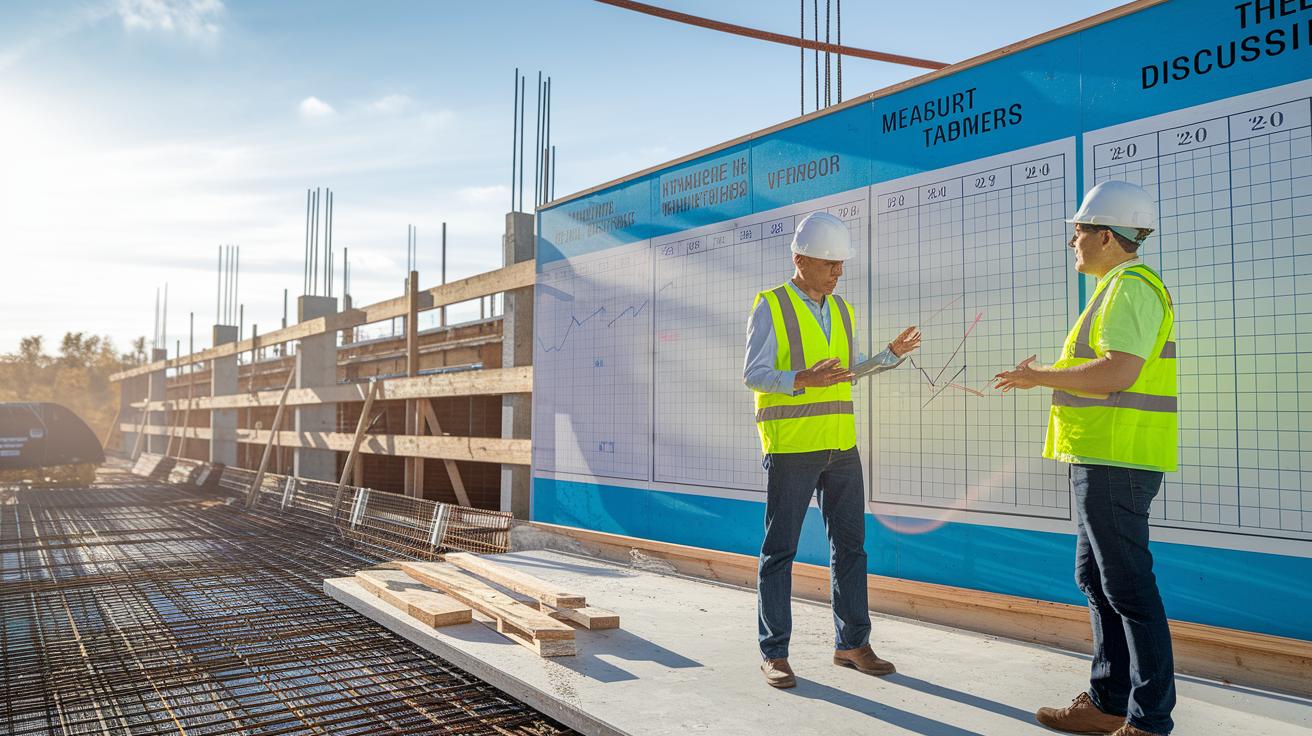
A construction project timeline is an easy-to-read schedule that shows every step for building your custom home. It lists clear tasks and key milestones so every worker, from carpenters to electricians, knows when to show up and what to do. For example, if the framing is delayed by one day, electricians may have to wait several days to begin their work. This careful planning keeps work moving smoothly and avoids gaps that can cost extra money.
A strong timeline also boosts communication, keeps costs in check, and makes sure all subcontractors work in sync. When everyone follows the same plan, mix-ups are reduced, and resources are used properly. For example, pouring the foundation must finish before framing starts. If the foundation work takes longer than expected, framing, window installation, roofing, and other steps will be delayed. A clear timeline lets you quickly see these links and fix the plan, cutting down on idle time and extra labor costs.
A good timeline also helps plan for setbacks like bad weather or supply delays. For instance, you can add extra time for heavy rains or early-season snow. This smart approach makes sure every phase, from the initial planning to the final handover, stays on track with your budget and schedule.
Breaking Down Construction Project Timeline Phases
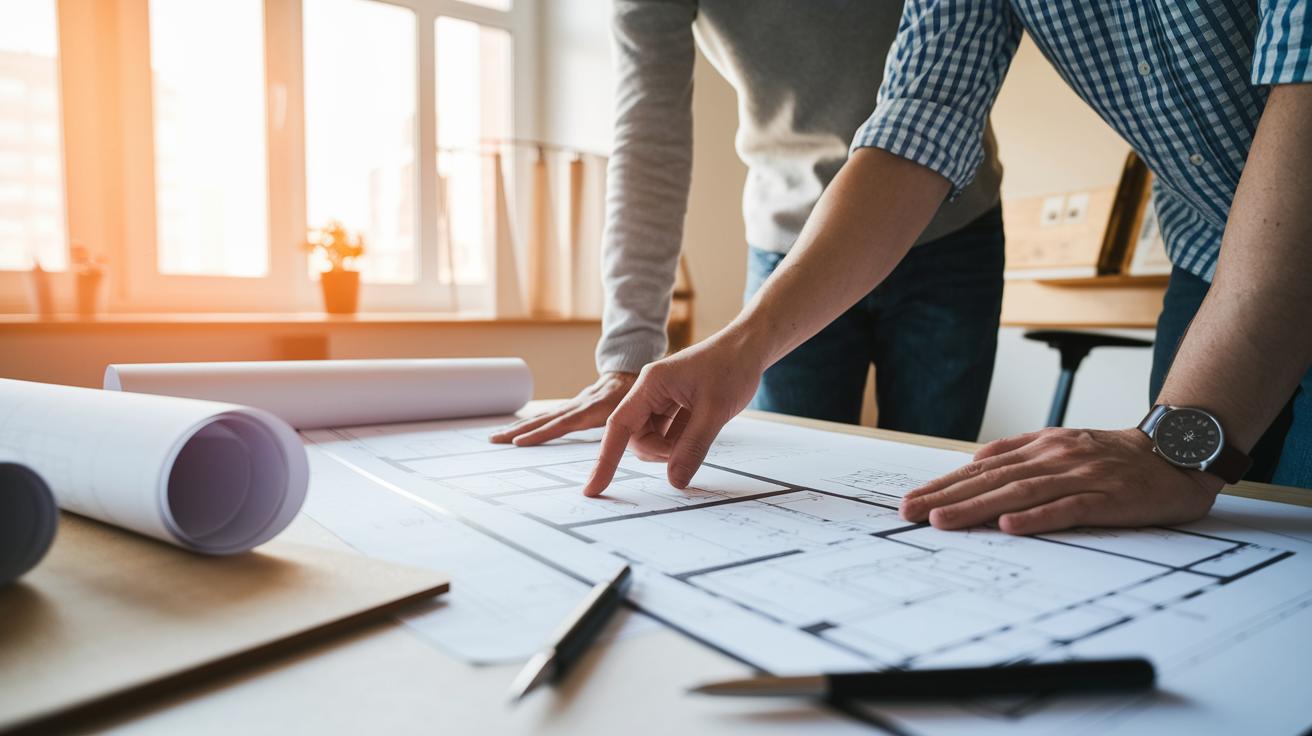
A clear plan keeps you on track and helps build with confidence. We break the work into six clear phases. This way, you know what to do next, set the right order for tasks, and stay on budget.
-
Initiation: Check if the project makes sense. Look at your budget, site conditions, and overall plan. This phase usually takes 1–2 weeks (7–14 days). For example, a homeowner might survey the site and get early design ideas during this time.
-
Preconstruction: Get your detailed plan in order. Draw up blueprints, line up permits, set the budget, and plan material orders. This stage takes about 3–6 weeks (21–42 days). Think of it as your detailed schedule where every step is planned.
-
Implementation: Start the on-site work. This is when crews arrive to grade the lot, dig for the foundation, and start building the structure. Depending on the job, this phase can last a few weeks to a couple of months. It’s where your plans turn into real work.
-
Performance: Keep track of daily progress. Workers use checklists and reports to monitor tasks like framing, roofing, and setting up utilities. This phase lasts several weeks to keep things moving smoothly and meet quality standards.
-
Monitoring: Stay on top of changes. Regular reviews help manage unexpected issues like bad weather or supply delays. This oversight happens alongside the performance phase to keep all teams informed and ready to adjust.
-
Closing: Wrap up the project with final checks. Complete inspections, finish any small fixes, and hand over the project. This final step typically takes from a few days up to a couple of weeks to ensure all work meets safety and quality standards.
Allocating Resources in Your Construction Project Timeline
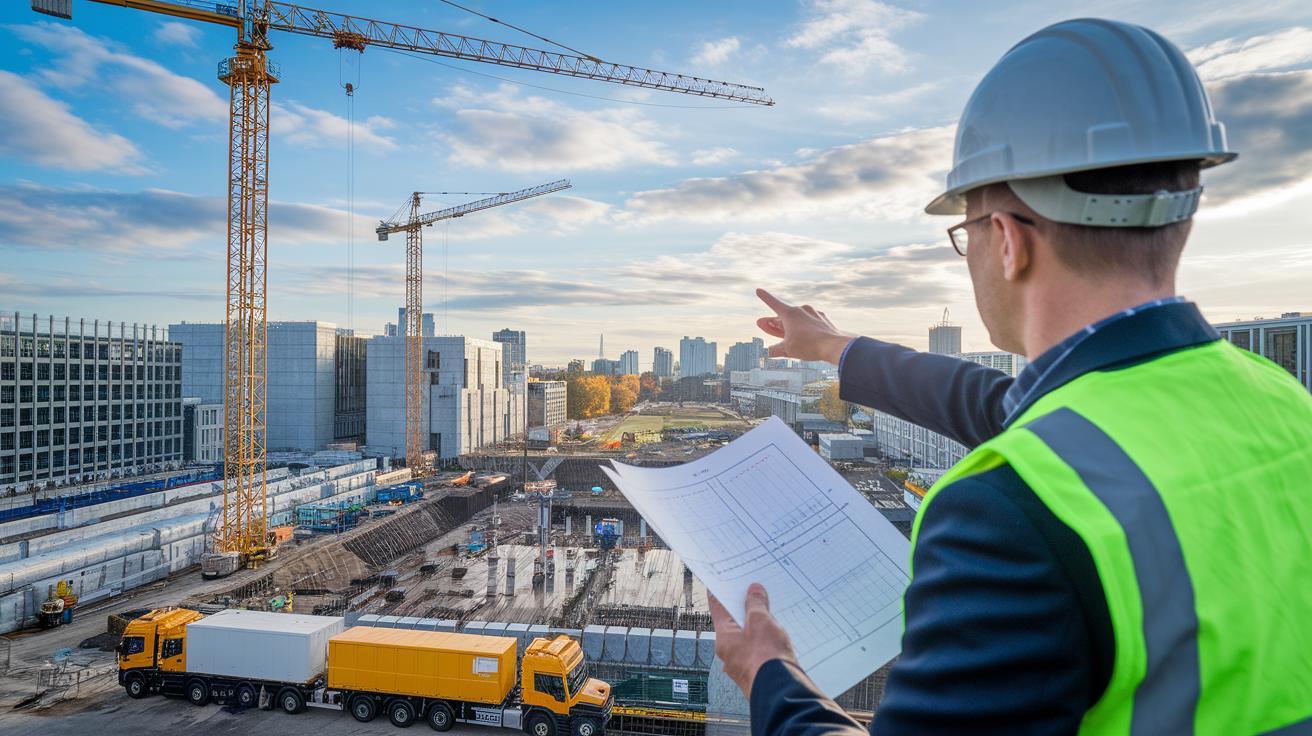
A clear timeline depends on smart resource planning. You assign materials, machines, and labor to tasks so that crews are busy and delays are few. Start by using a planning chart to see when cranes, concrete trucks, and work crews are set to be on site. For example, note: "Crane arrival at 8:00 AM (08:00) so framing starts right away."
Use a progress tracking spreadsheet to monitor work. It shows how much of each task is done and flags any slowdowns. If a material delivery runs late, the sheet helps you spot it fast so you can shift your teams. For instance, if the concrete pour is delayed, you can move workers to prep the next step while waiting.
Modern digital tools can connect estimates with the schedule. Any change in timing updates cost estimates instantly, showing you the direct money impact of a delay. This setup cuts down on idle time and stops budget overruns before they start.
| Resource | Scheduled Time |
|---|---|
| Cranes | 8:00 AM / 08:00 |
| Concrete Truck | 9:30 AM / 09:30 |
Review these charts and spreadsheets regularly. Frequent check-ups keep your project running smoothly and help you build with confidence.
Mapping Milestones and Sequencing Tasks in Construction Project Timelines
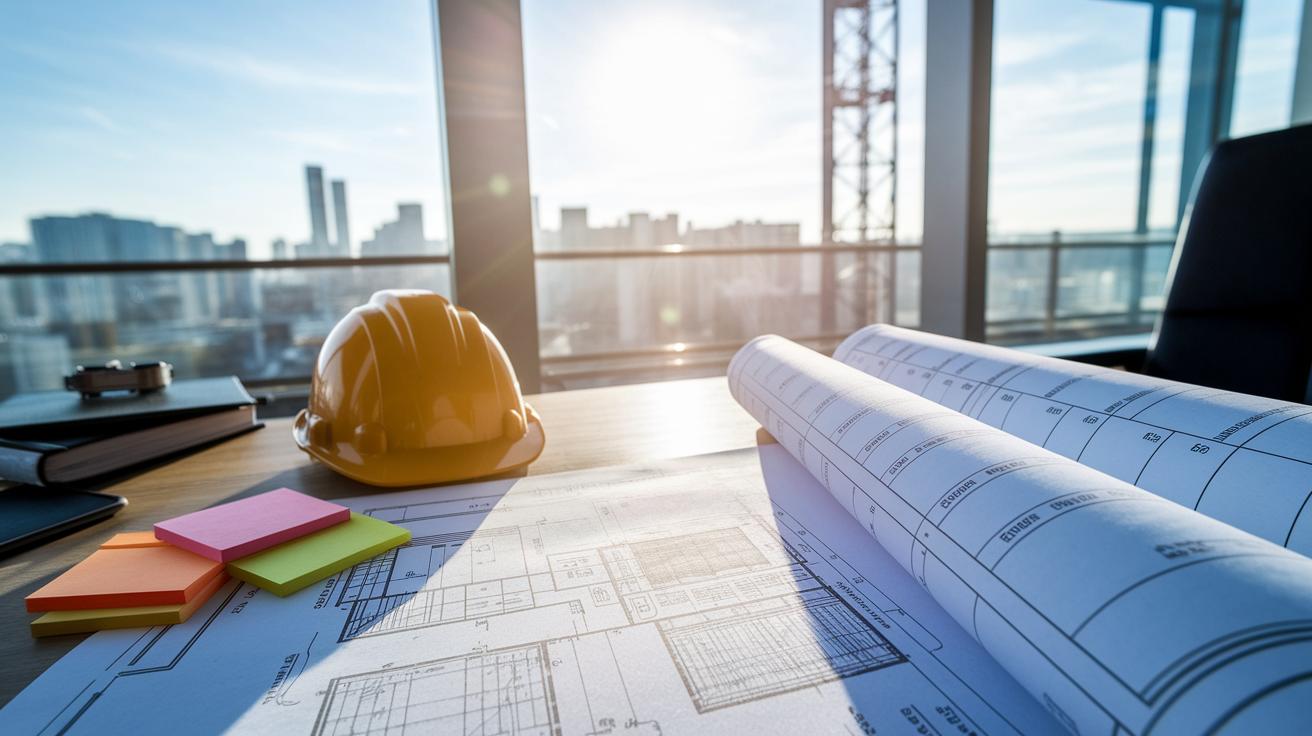
A reliable construction timeline starts with listing all key tasks and milestones. Good scheduling shows what must be done, in what order, and how long each step takes. This clear plan helps you see the critical path (the series of tasks that determines the project finish date) for your project. Write down events like permit approvals, foundation pours, finish framing, electrical rough-ins (setup work before final wiring), inspections, and final handoffs to keep everything on track.
When you rank milestones in order, you create a clear roadmap that everyone can follow. For example, you might write, "Permit approvals done by day 5 allow the foundation pour to start on day 7." This simple order helps avoid delays and extra work.
Key milestones to track include:
- Permit approvals
- Foundation pours
- Framing completion
- Electrical rough-ins
- Inspections
- Final handoff
Also, add time buffers into the schedule. Plan extra days for bad weather such as heavy rain (or high winds) and material shortages. For instance, if heavy rain is forecast, adding a buffer day between finishing framing and starting electrical rough-ins can help keep the project on track.
By mapping out milestones and sequencing tasks, you keep your project schedule solid and everyone on the same page.
Visualizing Your Construction Project Timeline with Charts and Templates
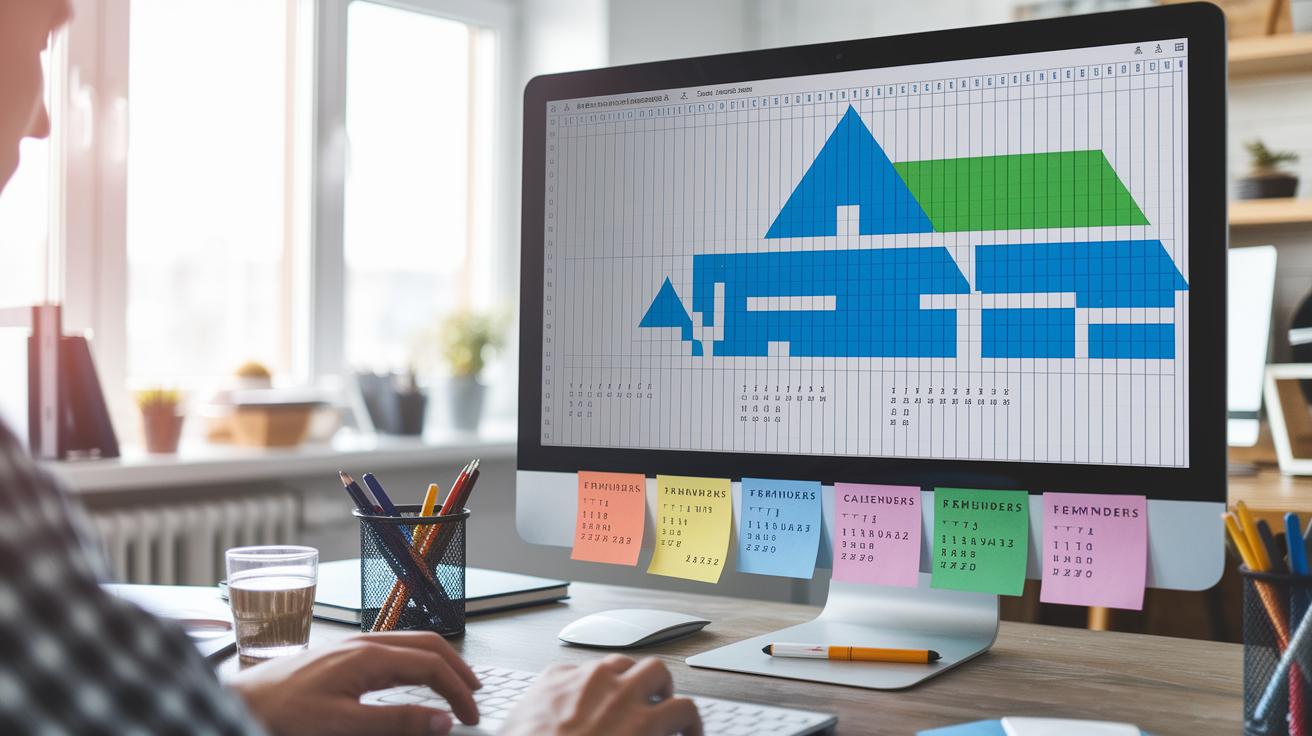
Visual tools like color-coded Gantt charts and project calendars help you see every task and milestone along a horizontal timeline. Picture a Gantt chart where each phase is shown in a different color, blue for foundation work, green for framing, so you can easily spot overlapping tasks and adjust schedules as needed.
Smart scheduling tools now send automated reminders for important deadlines like inspections and permit renewals. This digital toolkit not only tracks progress but also helps ensure you don’t miss any key dates that might slow things down. Imagine an Excel schedule that shows a task like "Roof installation at 10:00 AM (10:00)" as a quick reference for your crew.
Printable timeline templates offer another clear view of your project. They let everyone, from subcontractors to project managers, check the work progress at a glance in real time.
- Gantt charts show task dependencies.
- Project calendars list key events.
- Digital reminders help keep you on schedule.
Using these visual tools keeps your project on track and gives everyone confidence that every phase is clearly planned out.
Estimating Timeframes and Costs in Your Construction Project Timeline

Accurate estimates keep your construction project on track. Looking at past projects shows you how long each task may take. For example, if earlier bathroom remodels had a 3–5 day delay due to a late vanity delivery, you can expect overtime labor costs to rise by 8–12%. This history guides your planning.
A proven method is using a CPM network diagram. This tool maps tasks and how they depend on one another (the critical path is the sequence that sets the project’s total time). With your data in the diagram, you quickly see where delays might spread. For instance, if one key delivery is late, the diagram shows how tasks like installation or finishing jobs can also be delayed.
Smart scheduling tools help tie timeline estimates to cost projections. They work as a project duration calculator that instantly updates cost impacts if a task takes longer than expected.
Key steps include:
- Reviewing past project timelines against the current scope.
- Building a CPM network diagram to spot the critical path.
- Using digital tools to update estimates in real time.
By mixing these methods, you gain better control over your timeline and costs, keeping your project on schedule and within budget.
Adjusting and Managing Changes in Construction Project Timelines

Set up digital alerts for key deadlines so you'll catch delays early. For example, create an alert that says "Permit renewal today at 9 am" to remind you to reassign tasks right away.
Use a timeframe planner to adjust schedules for tasks that depend on each other. For example, if foundation work runs late, push back the framing start time to keep the flow steady.
Add these adjustments to your regular timeline reviews so you can quickly shift resources when unexpected changes come up.
Top Tools and Templates for Construction Project Timelines

Project planning templates today come with smart features that can save you time. Choose a tool that sends alerts when your schedule slips or warns you of delays right away. For example, one Excel timeline updates itself automatically and flags any missed targets. Jim once tracked delays on paper and lost days each month until he switched to this dynamic template.
User reviews also point out templates with built-in software comparisons. One popular timeline tool uses predictive analytics to alert you early about weather or supply issues. A contractor in Denver explained that this feature helped him reorder materials before any delays could pile up.
| Tool | Unique Feature |
|---|---|
| Project timeline template | Predictive delay alerts and user ratings |
| Project timeline Excel template | Automatic updates for real-time progress tracking |
These useful features can give you clear benefits that you might not find in other planning tools.
Final Words
In the action, you’ve learned how a well-crafted construction project timeline guides every phase of your project. It keeps tasks clear from the initial plans through resource allocation and milestone mapping.
Breaking down each step and visualizing it in charts or templates makes managing delays and cost issues smoother.
This step-by-step approach helps you keep your construction schedule on track and within budget. Stay organized and confident as your project moves forward.