

Ever wondered how a building’s real history shows up on paper? An as-built plan logs every change made during construction, from moved walls to shifted fixtures. It shows how the original design turned into a finished structure while keeping a clear record for repairs, remodels, and legal checks. This guide walks you through how these drawings serve as practical solutions to keep projects on track. Read on to see how as-built plans lay the foundation for a successful build.
Understanding an as-built plan: definition, purpose, and key distinctions
An as-built plan is a set of construction drawings that capture every change made from the original design. You may also hear these called recorded building blueprints. They show what was actually built, including revisions like moved walls to fit plumbing, shifted window placements, or new electrical routes. For example, a note might say, "Wall shifted 2 ft (0.61 m) to make room for upgraded piping," which details the change clearly.
These drawings are vital for planning remodels, handling maintenance, and serving as legal records. Every change is noted to meet building codes and help with repairs or facility management later on. Having an as-built plan means you can quickly see how the build evolved from its initial design.
Professionals in charge of recording these changes use precise tools such as laser scanners or total stations (instruments that measure distances accurately) to take on-site measurements. They verify every detail and update the drawings accordingly. In short, an as-built plan is not just a drawing, it’s a complete record of the finished structure that helps guide future projects.
Core components of an as-built plan: floor plans, elevations, and more
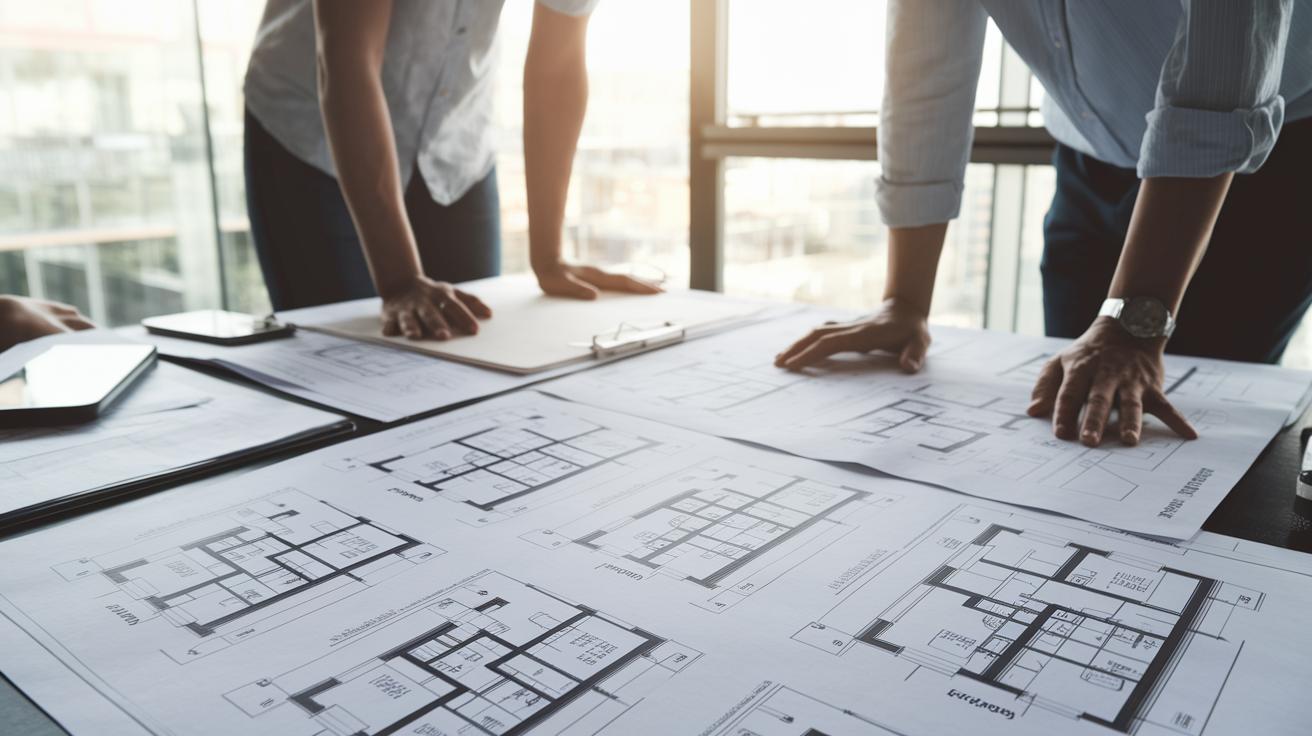
An as-built plan shows every detail of a completed building through a series of drawings. The floor plan clearly outlines room sizes, door positions, and corridor layouts so you know exactly how each space lines up. Roof plans mark drainage paths, slopes, and roof finishes, while exterior elevations present a simple outline of the building’s front views. Reflected ceiling plans show ceiling heights, lighting spots, and where vents go.
Electrical and MEP (mechanical, electrical, and plumbing – the systems that control water, power, and air) drawings pinpoint wiring, pipes, and fixtures down to very small changes. For instance, one note might say, "Light fixture moved 2 ft (0.61 m) to allow for extra clearance," which shows that even small shifts are recorded. In addition, 3D/Revit (BIM, or Building Information Modeling – a digital model of the project) models give a digital look that confirms the details on site.
Every drawing is made to show the exact condition of the build, which helps with maintenance, remodels, and code checks. This complete set of records makes sure that everyone works from the same accurate design and knows about every change made during the build. Such detailed drawings help you make smart construction choices on every project.
The as-built plan creation process: surveying, measurement, and drafting
The process starts with a careful survey of the finished structure. Workers use tools like laser scanners or total stations (tools that measure distances very accurately) to take all the measurements. Every wall, floor, window, and door is measured, so you capture the true, on-site conditions. For example, a field note might say, "Measured wall is 15 ft (4.57 m) long" to record even small changes.
Next, the data is fed into special software that turns these measurements into digital drawings. These digital files can include floor plans, elevations, cross-sections, and detailed views of certain areas. They show the actual conditions of the building, not just the original plans. These drawings are useful for immediate review, future remodels, regular maintenance, or even legal needs.
Responsibility is clearly divided during this process. One team member handles data collection, and another double-checks the measurements. Finally, experienced drafters use the verified data to create accurate technical construction documents. This final review makes sure that every change, from wall shifts to new window placements, is shown correctly on the as-built plan.
Key steps in the process include:
- Surveying the site in detail using tools like laser scanners.
- Capturing exact measurements and converting them into digital drawings.
- Assigning team members to collect and verify the data.
- Drafting the final as-built plan to guide future projects.
This step-by-step method produces a reliable as-built plan that meets code requirements and provides a clear record for any future work.
Tools and software for producing an accurate as-built plan

High-precision tools and modern software form the core of an as-built plan. Laser scanners and rangefinders (tools that measure distance) help you get quick, sure measurements. For example, a worker might mark, "Window center is 8 ft (2.44 m) from the corner," while a laser scanner captures every detail.
Mobile platforms let you update your data on the spot. Apps for on-site markup help identify problems immediately, cutting down on mistakes during documentation. These tools act as an effective building survey template for teams needing a post-build guide.
Scan-to-BIM workflows turn raw point-cloud data into detailed 3D building models. This process shifts endless numbers into a clear digital layout that everyone can understand. Tools like AutoCAD and Revit help create floor plans, elevations, and MEP layouts (mechanical, electrical, and plumbing diagrams) quickly and easily. They also come with built-in CAD standards to keep every drawing consistent.
Important parts of this detailed process are:
Each tool works together to build an as-built plan that is both precise and a reliable guide for any future project changes.
When and why to use an as-built plan: applications and benefits
An as-built plan is your go-to drawing that shows your finished structure and all the changes made along the way. It helps with legal records, facility management, and future remodels by clearly marking every update. This plan is critical for securing permits, following building codes, and settling disputes.
You should use an as-built plan for projects like:
- Residential renovations
- Big commercial remodels
- Retail space updates
- Historical preservation
- Adaptive reuse
Key benefits include:
- A solid record for maintenance and repairs.
- Meeting legal requirements for permits and safety checks.
- Helping resolve disputes if problems arise.
- Making sure everyone on the team is working from the same, accurate blueprint.
For example, when you start a renovation, your as-built plan confirms where walls and electrical lines are placed, which helps you avoid costly code issues.
Best practices and common pitfalls in as-built plan preparation
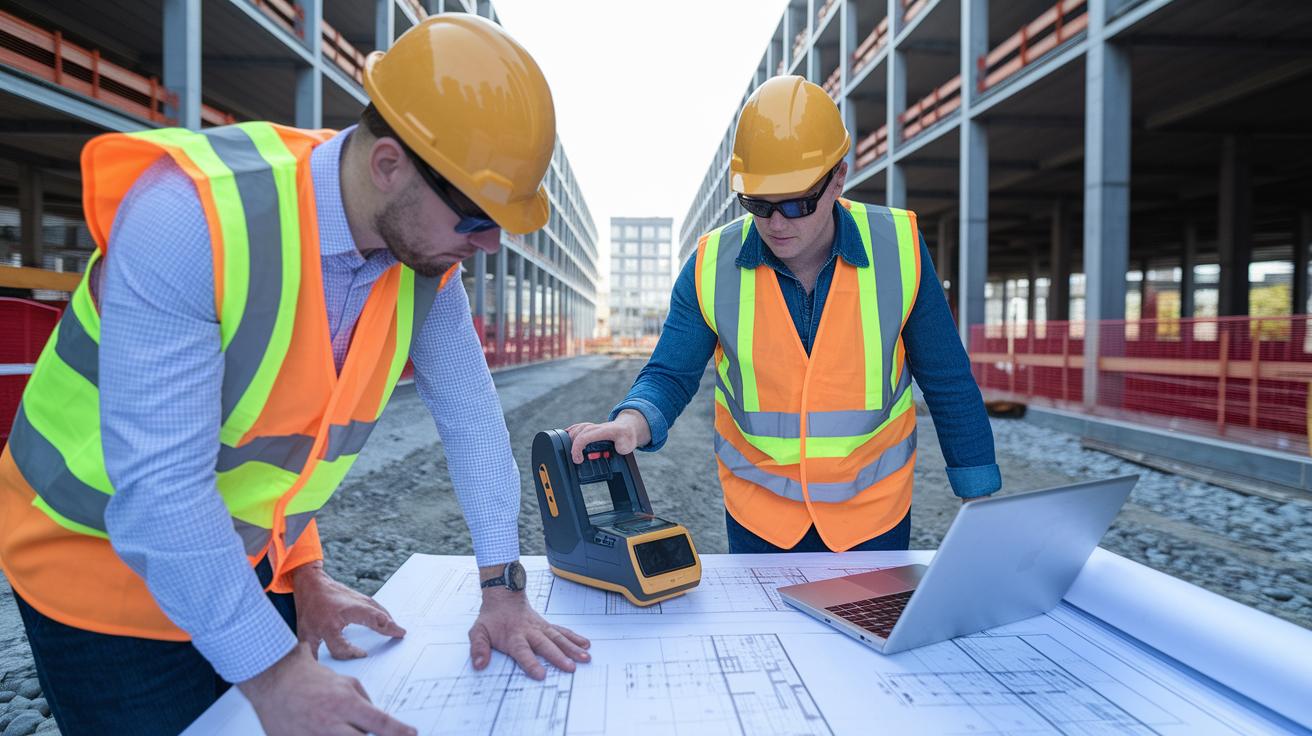
Start by checking every measurement on-site using precise tools like laser scanners or total stations (instruments for measuring distances accurately). For example, note in your plans, "Wall measured 15 ft (4.57 m) accurately during survey." This helps you capture every detail and keeps your construction drawings clear.
Divide tasks among your team. Have one person gather data, another work on CAD drawings, and a third handle quality control. Writing down each person's role in your record verification manual makes sure everyone knows what to do and reduces mistakes.
Keep an eye out for common problems. Hidden items such as ductwork or piping can be missed. Incorrect space measurements can lead to extra work and higher costs. Also, using different annotation styles may confuse those who review future remodel plans. Consider issues like this:
| Common Issue | Description |
|---|---|
| Hidden measurements | Forgetting to note dimensions of concealed items like ductwork |
| Spacing errors | Incorrect distances between items that can affect fit and structure |
| Inconsistent annotations | Using mixed labels or symbols that cloud the drawing’s clarity |
Always finish with a complete QA/QC review before delivering your plan. This final check helps catch any discrepancies, from interior wiring to structural shifts, and avoids potential permitting issues. Follow these steps to build as-built plans that support safe, confident construction and keep errors at bay.
Comparing as-built plans to original construction documents
Original construction documents show what was planned before building started. They outline the design and list what should be built. In contrast, as-built plans reflect the finished structure. They record every change made on site, such as moved walls, adjusted heights, or swapped materials.
Record drawings are different. They focus on meeting building codes and showing contractual changes rather than every modification. This distinction matters when you review project files.
A drawing comparison study helps you see differences clearly. Overlay the original blueprints with the as-built plans and you may notice a wall moved 2 ft (0.61 m) to make space for new plumbing or shifts in window placement. This approach ensures everyone works with the most up-to-date building data.
Using these comparisons can prevent design clashes during remodels or expansions. Clear as-built plans tell a reliable story, linking original designs to the finished project. Regular reviews keep teams aligned and help avoid unexpected issues in future work.
Final Words
In the action, we explored what makes an as-built plan essential. We broke down how detailed floor plans, precise surveys, and smart software capture every change.
Each step builds a record of the final construction layout that guides future maintenance, remodel projects, and code compliance.
By spotting common pitfalls and following clear best practices, you set up a solid foundation for safe and cost-effective renovations.
Keep this guide handy to develop a reliable as-built plan and tackle projects with confidence.
FAQ
What is an as-built plan?
An as-built plan signifies revised construction drawings that record every modification made during construction, providing an accurate depiction of the final built structure.
What does an as-built drawing include?
An as-built drawing includes detailed floor plans, elevations, roof plans, and MEP layouts, capturing every change from the original design to reflect on-site conditions accurately.
What is the difference between an as-built plan and a floor plan?
An as-built plan documents every change and modification made during construction, while a floor plan focuses solely on room layouts without capturing updates or adjustments.
Are “asbuilt” and “as built” the same, and which term is correct?
“Asbuilt” and “as built” refer to the same type of construction documentation, with “as-built” being the more commonly accepted term in the industry.
Who prepares as-built plans or drawings?
Contractors or engineers typically prepare as-built plans, working alongside survey teams to accurately record modifications and ensure the final drawings reflect the completed structure.
Where can I find an as-built plan template or PDF?
You can find as-built plan templates or PDFs online or through local building departments, which offer standardized formats and guidelines for recording construction changes.
What does as-built mean in construction?
In construction, as-built refers to the documentation of all changes from the original design, serving as an accurate record used for maintenance, renovations, and ensuring code compliance.
What is the difference between as-built and as-constructed drawings?
As-built drawings record every on-site change during construction, while as-constructed drawings focus on documenting modifications related to code compliance and contractual requirements.
How can I find as-built plans near me?
As-built plans are often available from local design firms, contractors, or municipal building departments, which maintain records that detail the completed construction projects.