

Ever wonder how a clear project timeline can change your work? Many projects slow down when schedules are messy and milestones unclear. In this article, you'll see timeline examples that set you up for success. We share tools like color-coded milestone trackers, horizontal Gantt charts (bar charts that show the order of tasks), and vertical outlines that work on any platform. These clear plans keep everyone on track and help projects finish safely, on time, and within budget.
Sample Project Timeline Examples to Inspire Your Planning
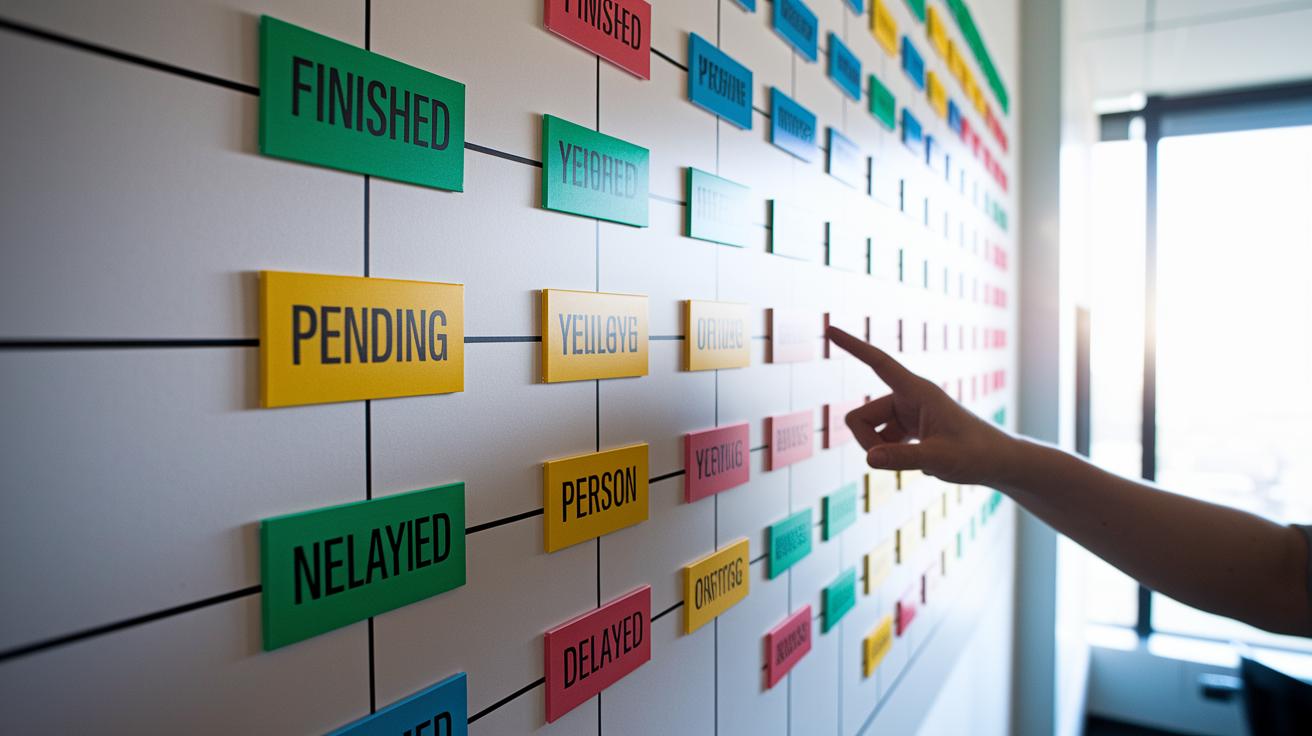
Timelines list events in the order they happen. They show dates, key milestones, deliverables, task links, and who is responsible. For instance, a Gantt chart shows when each task starts and ends, even if some tasks overlap. A timeline for a product launch might highlight design, testing, and production steps. This clear view helps everyone follow the project and stops miscommunication.
One popular style is the milestone tracker. Imagine a timeline that marks each phase in different colors. Finished milestones might show in bright green, pending tasks in yellow, and delayed items in red. This simple color code makes progress easy to see. Another option is a horizontal Gantt chart that uses bars to show how long tasks last and how they depend on one another. For example, a long bar could point out a key development stage that begins after design approval.
Vertical layouts are handy if you are using a phone or have limited space. They work like a to-do list that still shows start and finish dates. For longer projects, a roadmap gives a bird’s-eye view of goals and steps coming together over time. And if different teams are involved, swimlane views let everyone see their parts clearly, cutting down on overlap or mix-ups.
| Example Type | Best For | Key Features |
|---|---|---|
| Gantt Chart | Complex projects | Task links, bar views |
| Milestone Tracker | Short-term plans | Key checkpoints, color coding |
| Vertical Outline | Mobile screens | Simple layout, clear order |
| Roadmap | Long-term projects | High-level goals, step-by-step |
| Calendar View | Date-specific events | Calendar integration, day-by-day details |
Step-by-Step Project Timeline Project Plan Guide

-
Start by writing down what your project will cover and what you want to achieve. For example, you might say, "Design and build a small garden shed with a $2,000 budget (about €1,800)." Use a project timeline template to keep things organized: project timeline template.
-
Break your project into simple tasks and note how long each one should take. For instance, you could write, "Cut lumber – 2 hours (around 120 minutes, or roughly 7.5 minutes for each segment)." This helps you see every step clearly.
-
Decide on start and end dates for each task. For example, say, "Install roofing from May 1 (May 1 / 01.05) to May 3 (May 3 / 03.05)" to set clear deadlines.
-
Point out key milestones along the way. A milestone could be, "Finish 50% of the framing" to mark an important checkpoint before moving on to the roofing.
-
Note which tasks need to be done before others. For example, you might write, "Electrical wiring must come after insulation installation." This keeps the work in the right order and avoids delays.
-
Assign a person to each task and add a little extra time for surprises. For example, "John handles plumbing, add 10% more time in case he runs into extra challenges."
Excel Project Timeline Templates and Excel Timeline Design Tips

Excel is a handy tool for planning your project timeline. Start by checking out Excel templates that come with Gantt chart bars (colored bars that show tasks), milestone trackers (markers for key dates), and status flags using conditional formatting (automatic color or icon changes). These templates update each part automatically, so you can see progress at a glance.
When you design your timeline, use Excel’s built-in date formulas. For instance, simple formulas can calculate start and end dates that change when your plan dates shift. Dynamic named ranges keep your cell links correct as your timeline grows. A good tip is to color-code your project phases. You might use green for finished tasks and red for delays. Excel’s chart options turn raw dates and times into a clear, visual schedule.
Excel timelines come in different styles. A weekly schedule works well for short projects, while a multi-phase Gantt schedule is better for complex projects with many ties between tasks. If you need a ready-to-use template, try downloading one from a trusted provider like the project timeline excel template.
Using these Excel timeline design tips will help you create flexible, easy-to-update timelines to keep your project on track and your team informed. Adjust formulas, colors, and features as needed for the perfect timeline.
Project Timeline Visual Formats: Specialized Views

There are many common timeline types like Gantt charts, milestone charts, calendar views, and both vertical and horizontal outlines. In our Sample Project Timeline Examples section, you'll find details on these. Here, we look at two special views that offer extra benefits.
• Kanban-style swimlanes
Break tasks into lanes based on team or project phase. For instance, you could use one lane for design work and a different lane for construction work to clearly show who is responsible for what.
Small snippet example – "Separate your tasks: 'Design phase' in lane one and 'Build phase' in lane two."
• Critical path timelines
Focus on the key steps that set the pace for the whole project. For example, you might list the steps as "foundation, frame, roof" to show that any hold-up in these areas will slow down the entire project.
Small snippet example – "List critical tasks: 'Lay foundation before framing, then proceed to roof installation.'"
Industry-Specific Project Timeline Examples and Free Timeline Layouts
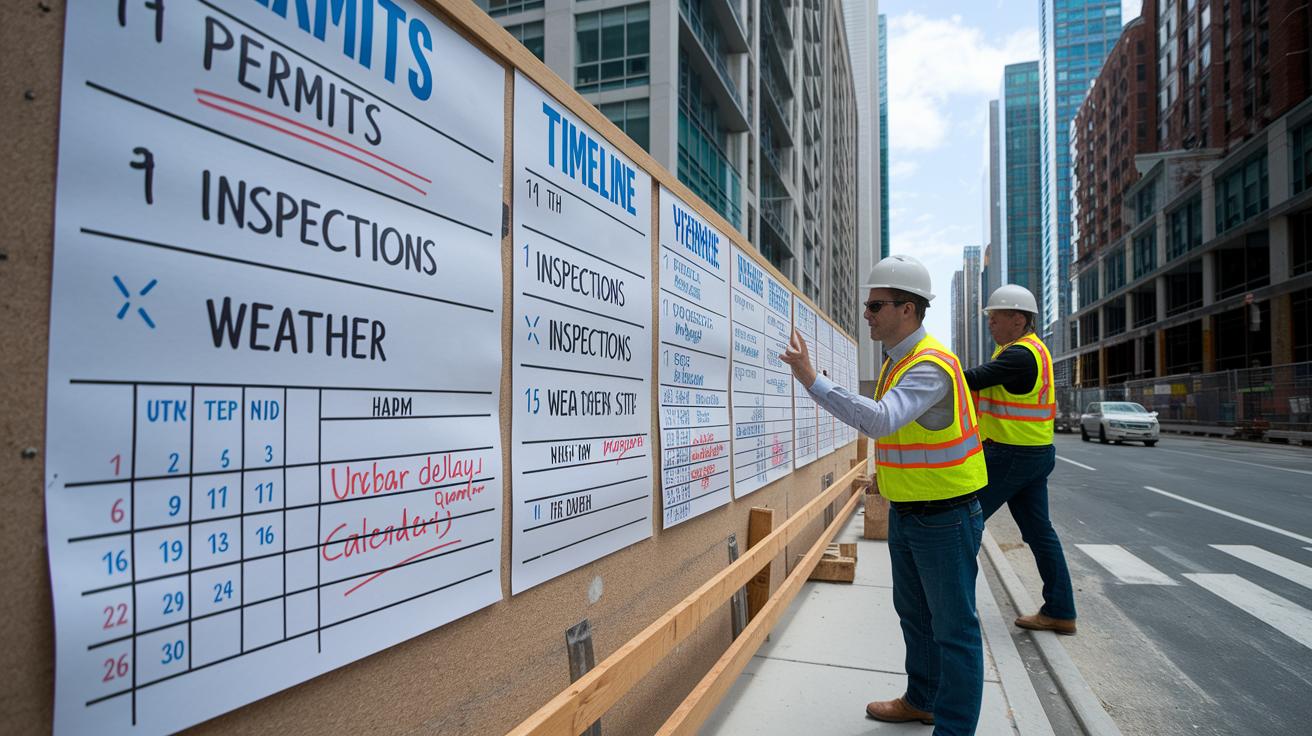
Different types of projects need their own timeline plan. Construction, marketing, event planning, IT projects, and product launches all call for a clear schedule that fits the work. For a construction project, include steps like securing permits, passing inspections, and planning for weather delays. For example, you might write, "Secure permits by June 1 and schedule inspections every two weeks." This helps you follow rules and keep the work on track. For more details, you can visit the construction project schedule resource at https://neull.com?p=.
Marketing timelines often break the work into weekly or monthly cycles. Track tasks like content milestones, ad timings, and performance reviews. One idea is to plan content themes each week and hold major reviews at the end of the month. This clear view helps teams quickly adjust budgets and creative plans.
Event planning works best when you work backward from the event date. Set your event date first, then plan tasks like booking the venue, finalizing speakers, and ordering supplies. A note on the plan might say, "Confirm the venue 90 days before the event to lock in the best price."
IT projects usually follow sprint plans with periods of two weeks. Each sprint has clear tasks to test and update the work step by step. Likewise, product launches need all parts of your team, marketing, research, and sales, to work together so the launch goes smoothly.
Below are some free timeline layouts you can adjust for your needs:
- Gantt templates for detailed task links
- Roadmap infographics for a high-level view of phases
- Milestone tables for quick checkpoint reviews
These ideas give you a clear starting point for planning your timeline project.
Best Practices for Effective Project Timeline Management

-
Start by defining your project scope. Write down what you need to do and list your deliverables from the start. For example, note, "Design the front porch and install windows with a budget under $5,000 (about €4,500)."
-
Add extra time for delays. Even small projects can run late, so plan for about an extra 10% of your overall timeline.
-
Identify crucial tasks that depend on others. This helps ensure tasks that must happen first don’t hold up later work.
-
Clearly assign who is responsible for each job. For instance, state, "Sam will manage electrical work, and Lee will handle carpentry."
-
Review your timeline on a regular basis. Check it every week and adjust it as needed to keep your project on track.
For more planning tips and detailed timeline steps, refer to the interactive timeline builders and free timeline layouts in the step-by-step guide.
Final Words
In the action, this guide showed you how to use project timeline examples to plan your work clearly and efficiently. We covered visual tools like Gantt charts, milestone trackers, and Excel templates. You learned to break down tasks, assign timelines, and use color-coded swimlanes for quick status checks. These tips help you manage projects on time and on budget. Embrace these techniques to organize your tasks, keep your plan flexible, and tackle challenges with a clear roadmap for success.
FAQ
What are some project timeline examples for students and simple projects?
Project timeline examples for students often use straightforward layouts like linear charts or Gantt templates that list tasks, deadlines, and milestones. These examples make it easy to track progress and manage project details.
How do you create a project timeline in Excel?
Creating a project timeline in Excel involves setting up date formulas and dynamic ranges to build Gantt charts or milestone trackers. This method streamlines scheduling and makes updates automated.
How do you write a timeline for a project?
Writing a project timeline means organizing tasks in sequence, assigning start and end dates, and marking key deliverables. This approach clearly shows deadlines and task dependencies for smooth project management.
What are project timeline templates used for?
Project timeline templates serve as pre-built frameworks to list tasks, dates, and milestones. They help structure scheduling and ensure that all project stages are clearly outlined from start to finish.
What does a project timeline with milestones include?
A project timeline with milestones includes key checkpoints or deliverables that track progress. This layout highlights significant dates and tasks, ensuring that critical phases are recognized and monitored.
What is an implementation timeline example?
An implementation timeline example maps out each phase of a project, such as design, development, testing, and launch. This detailed schedule guides teams through the rollout process step by step.
What are the key steps of a project?
The key steps of a project typically involve defining scope, listing tasks with durations, setting start and end dates, establishing milestones, identifying dependencies, assigning task owners, and reviewing progress for any needed adjustments.
How can you explain a project timeline?
Explaining a project timeline involves describing how tasks, dates, and milestones form a clear sequence. This explanation clarifies dependencies, progress checkpoints, and the overall flow of work to keep everyone on track.