

Have you ever wondered why projects drag on or fall apart? A clear project timeline can make all the difference. This guide helps you set clear goals, break work into simple tasks, estimate how long each step will take, and assign deadlines to keep everyone on track.
Think of it like following a map. You know exactly where you're going and when to turn. A good timeline helps you steer clear of delays and mix-ups while boosting team confidence and project success.
Ready to turn the chaos into clear, step-by-step actions? Read on for straightforward advice you can use right away.
Step-by-Step Timeline Creation Process for Projects
A project timeline is a clear, visual road map that lays out tasks, key dates, and who is responsible for each step. It starts with defining what the project is and what you want it to achieve. For example, you might say, "This project builds a new backyard deck with proper permits and budget limits to avoid scope creep."
-
Define your scope and deliverables:
- Write a short Statement of Work that clearly explains the project's goals and limits. This keeps everyone on the same page and stops confusion later.
-
Create a work breakdown structure (WBS):
- Split the whole project into simple, manageable tasks and important milestones.
- Group related tasks together, like "site preparation," "material ordering," and "deck installation," so every step is lined up with the overall plan.
-
Estimate task durations with your team:
- Use three estimates, optimistic, pessimistic, and most likely, to decide how long each task will take.
- Invite input from every team member. Knowing task durations well can help avoid delays.
-
Map out task dependencies:
- Draw a simple diagram showing which task must finish before the next one can start.
- Clearly mark tasks that depend on others so you avoid scheduling issues.
-
Assign task owners and set deadlines:
- Decide who will take charge of each task.
- Add a firm deadline for every task to help keep everyone on track.
-
Build in buffer time:
- Include extra minutes or days for each task or for the whole project. This extra time helps cover any unexpected delays.
-
Review and refine with stakeholders:
- Share your timeline with everyone involved to get their feedback.
- Fine-tune the timeline until it reflects realistic time frames and resource needs.
For a sample layout, check out the project timeline template at https://neull.com?p=122
Why Project Timelines Matter: Benefits and Value for Teams
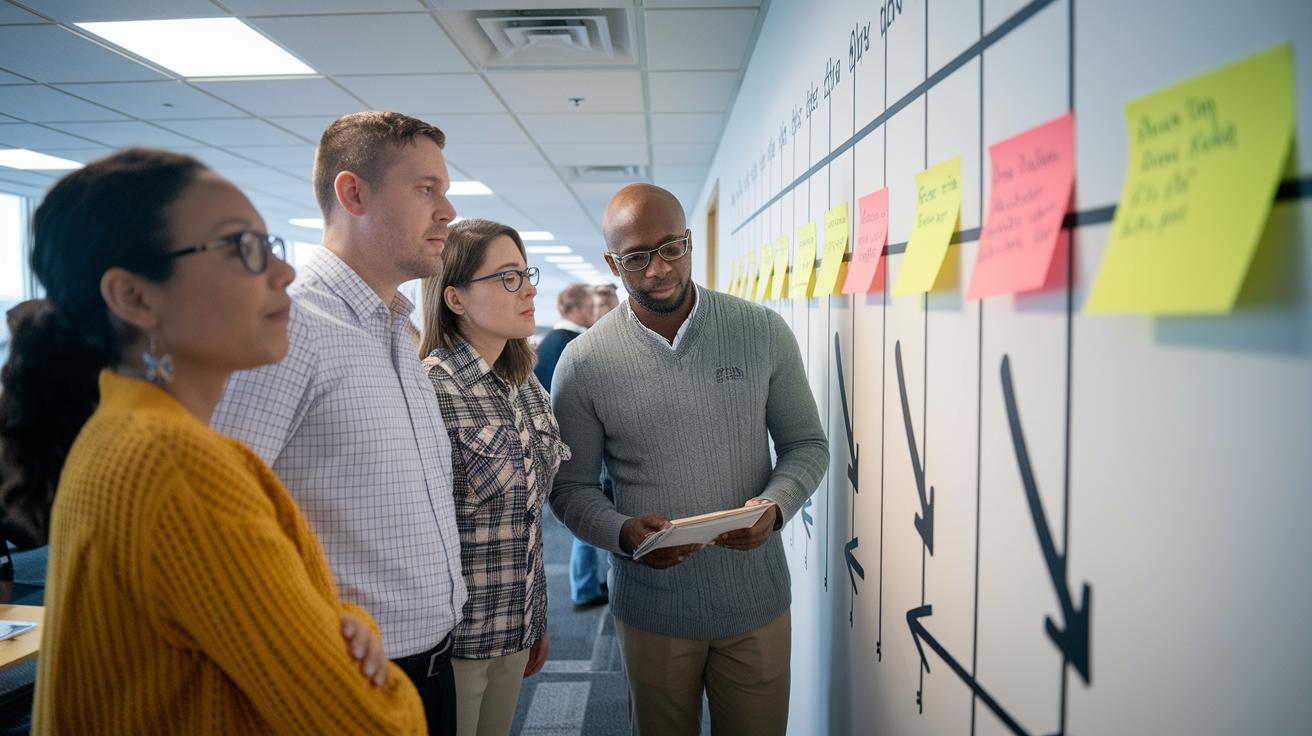
Project timelines give everyone one clear guide to follow. They cut the time spent on status updates and long meetings. When each team member sees the roadmap, they know exactly what task comes next. For example, a timeline might show that you must finish preparing the site before materials are delivered, so everyone stays on track.
A timeline also shows how tasks link together. It makes it easy to see where one task depends on another, which helps avoid mistakes. When you break down every step, you can quickly tell if people, tools, or money are being stretched too thin. Quick tip: Think of your project like a relay race. One runner must pass the baton on time, or the whole team will slow down.
A good timeline gives early hints of progress and delays. With clear milestones, you can spot when a small issue might turn into a bigger problem. For instance, if the testing phase falls behind schedule, the timeline shows that you need to act fast to keep things moving.
Finally, a shared timeline boosts communication between everyone involved. When the project manager, field worker, and others see the same plan, it builds trust and makes teamwork smoother. The clear, visual plan helps everyone understand each phase, the resources needed, and upcoming deadlines so the whole team works together smoothly.
Types of Project Timelines and Visualization Techniques
Project timelines come in different styles and suit different needs. A Gantt chart works well when you have many tasks linked together. It shows tasks as horizontal bars with start and end dates and can even show tasks that overlap. For example, a building project might break work into foundation work, framing, and finishing on a Gantt chart.
Kanban boards help you keep an eye on tasks by using columns that track progress. You might have columns like "To Do," "In Progress," and "Done." This style works well for teams juggling several tasks at the same time, such as during a software development sprint.
Milestone timelines provide a simple, big-picture view by marking key phases or goals. They focus on important events rather than every single detail. For instance, a product launch might highlight steps like concept approval, prototype completion, and market release.
Critical path timelines zero in on tasks that directly affect the final deadline. They are important when a delay in one part can hold up the entire project. A renovation project, for example, might use a critical path timeline to show how delays in material delivery impact the whole schedule.
There are also advanced tools available. PERT charts, for example, are great for spotting risks by mapping out multiple paths and potential delays. Historical timelines help you see how a project has evolved over time, while vertical charts pack in lots of task details for a deeper look.
For teams using Agile methods, Kanban timelines are a solid choice during sprint cycles. They let you adjust the workflow quickly as priorities shift.
| Timeline Type | Ideal For |
|---|---|
| Gantt Chart | Complex tasks with dependencies |
| Kanban Board | Visual workflow management |
| Milestone Timeline | Big-picture overviews |
Defining Scope and Structuring Tasks in Your Timeline

Merge your Statement of Work and Work Breakdown Structure steps into your project timeline. Clearly set project limits and list the work you must deliver. Add a clause like "Any design changes must have a formal review and sign-off" to stop scope creep and keep the project on track even when new ideas come up.
Break your work into clear tasks with a Work Breakdown Structure (WBS). Use tools such as Microsoft Project, Trello, or Asana to visually plan your tasks and show how they depend on each other. For example, if you're building a deck, split the project into tasks like:
- Create a Statement of Work that includes guidelines for changes.
- Divide major parts into smaller, detailed tasks.
- Use a Gantt chart to order tasks like buying materials, clearing the site, and installing components.
This method keeps your planning clear and helps your team understand every step while managing any changes smoothly.
Estimating Durations and Sequencing Dependencies
Mix three-point estimates (best case, worst case, and most likely) with solid planning insights. Look back at similar jobs to catch common issues. For instance, if past installations ran late, plan extra time. Think about a project where supply delays turned a 3-hour task into 5 hours and adjust your plan if similar problems might come up.
Keep tasks clear by drawing a complete timeline that shows when one job must finish before another starts. Draw diagrams that show both the order of tasks and any clashes. For example, if wall framing and wiring are set to happen at the same time, mark the overlap and rearrange the order so each job has its proper time slot.
Assign each task to someone with set deadlines, and include extra time for unexpected delays. Instead of just writing down start and finish dates, add a buffer based on past risks. For example, if framing is expected to take 5 days, add an extra day and clearly show that period on your schedule. Remember a case where a 20% buffer kept the project running smoothly when shipments arrived late, this shows the value of planning in extra time.
| Task | Estimates (Optimistic/Pessimistic/Most Likely) | Dependency | Buffer Time | Owner |
|---|---|---|---|---|
| Window installation | 2h / 4h / 3h | Begins after framing | 15 min (0.25h / 15 min) | Team A |
| Primer drying | 1h / 2h / 1.5h | Must be complete before painting | 10 min (0.17h / 10 min) | Team B |
Go over your plan with the team. Ask questions like, "Did we set non-overlapping tasks?" or "Does the extra time match what happened in previous projects?" These checks help you avoid repeat issues while keeping the overall process simple.
Tools and Software for Dynamic Project Timelines

Modern timeline software makes it easy for teams to work together in real time. These tools offer live updates and combine both Gantt (bar-chart style schedule) and Kanban (visual task board) views. You can update tasks wherever you are, whether on a mobile app or a desktop. For example, if a project manager sees that the design phase is running late, they can quickly send a message using an integrated Slack feature to shift priorities.
Different projects need different tools. Smaller teams usually benefit from simple, clean interfaces that focus on basic task order. Larger teams often require advanced features like live syncing with platforms such as Google Drive. Tools that automatically link tasks and track dependencies in real time help cut down on mistakes and save time. When changes happen, everyone sees them at once, reducing the need for long email threads.
If you like a low-tech method, Excel continues to be a strong option. With an Excel schedule design tutorial, you can list tasks, start and end dates, and durations to create a Gantt-style timeline. This approach is perfect for projects that don’t need real-time multi-user updates. For instance, a small contractor might use an Excel timeline to track a renovation schedule and update it as tasks are completed. Check out the Excel timeline template at https://neull.com?p=194 for a step-by-step guide.
Both modern software and Excel offer unique benefits, depending on your project. If your project changes often and many team members need access at the same time, modern software can reduce friction and boost accuracy. But if you prefer simplicity and offline work, Excel might be your best bet. Each option helps you create clear schedules and keeps your team on track for a successful project.
Best Practices and Common Pitfalls in Project Timeline Creation
Keep your timeline updated in real time. Use digital tools that adjust instantly as key events occur. For example, choose software that alerts you when a sensor notices slow progress so you can quickly reassign labor.
Try using predictive tools to plan ahead. This approach helps spot trends before they turn into real delays. For instance, if past records show held-up work on rainy days, set up alerts and tweak the schedule early. Imagine a model that forecasts weather-related delays and nudges you to update your plan.
Don’t stick to a fixed schedule. It’s important to monitor your project continuously. Make sure your system tracks where your resources go and spots issues that a static plan might miss. Think of an automatic check that warns you when too many tasks are competing for the same resource, so you can move work around before it slows you down.
These smart techniques add extra flexibility without rehashing basic advice on scope or buffer times already discussed elsewhere.
Real-World Examples and Free Timeline Templates
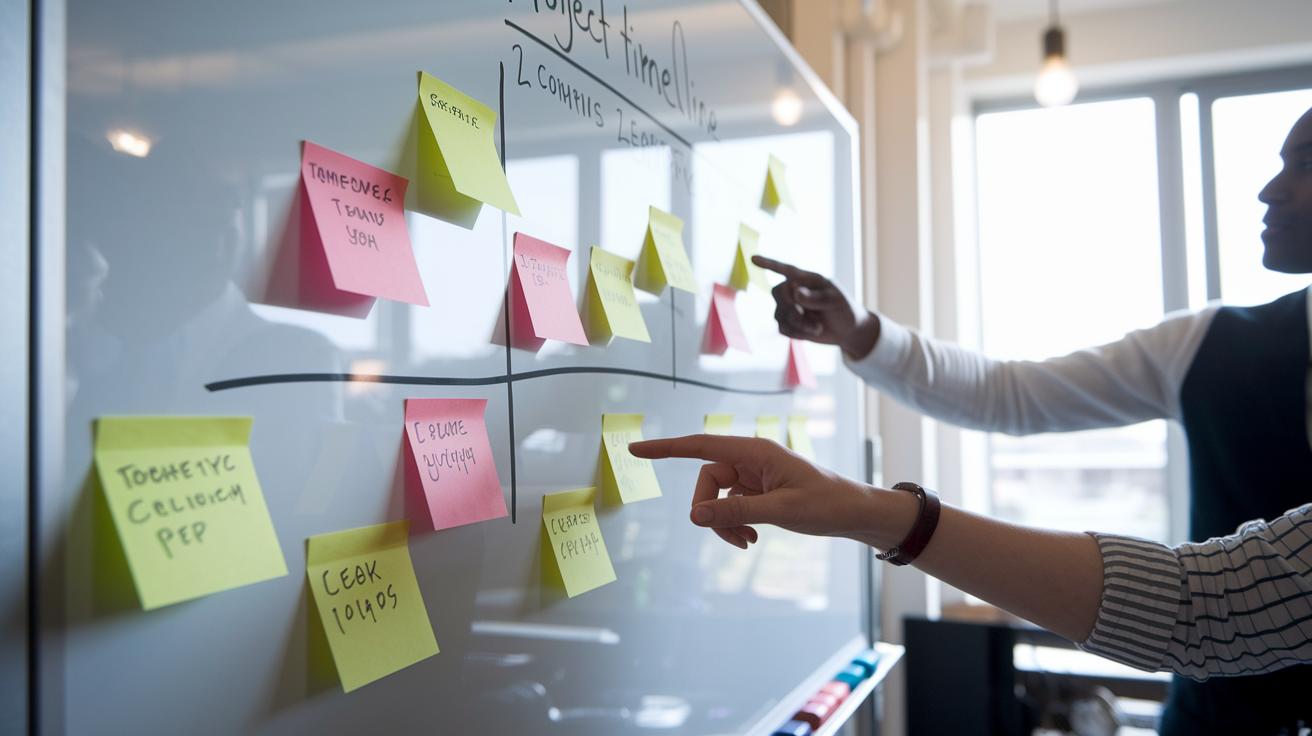
Imagine planning a six-month software development project. Start with planning, move to UI/UX design, then begin building features. Finish with testing and a rollout. For example, you might mark May 1 to start planning, early June to complete the design, mid-June to launch feature development, and mid-October to finish testing.
Now consider a marketing campaign. This timeline usually runs through strategy, content creation, execution, and analysis. Begin with a brainstorming session for your strategy, follow with script drafts and design work during content creation, and then shift into full-funnel advertising for execution. Quick tip: Set firm dates for each phase so you have time to adjust if needed, like a checkpoint meeting after content creation.
Event planning follows a similar pattern. A typical timeline covers budgeting, picking a venue, sorting out logistics (such as transportation and catering), marketing, and finally on-site coordination. Think of starting with budgeting right away, then researching and booking your venue, planning the details, and finishing with a marketing push and day-of coordination.
For more detailed plans, free schedule templates are available. They include PERT charts for risk mapping (a method to assess project risks), vertical charts for data-heavy projects, and milestone charts for a broad overview. These templates walk you through each step so you can tweak the plan to your needs.
| Project Type | Key Phases |
|---|---|
| Software Development | Planning, UI/UX, Feature Dev, Testing, Rollout |
| Marketing Campaign | Strategy, Content Creation, Execution, Analysis |
| Event Planning | Budgeting, Venue Selection, Logistics, Marketing, Execution |
Final Words
In the action, you’ve seen how defining scope, breaking tasks into manageable chunks, and estimating durations can transform your project planning. You explored sequencing dependencies, using both modern software and Excel for dynamic timelines, and avoiding common pitfalls through regular reviews.
Apply these clear steps to make your work smoother and your project runs on schedule. Use this guide to learn how to create a project timeline that keeps your tasks organized, cost-effective, and on track.
FAQ
Frequently Asked Questions
How to create a project timeline in Excel?
Creating a project timeline in Excel involves listing tasks with their start and finish dates, then formatting cells into horizontal bars to visually represent durations, dependencies, and key milestones.
How can I create and use a free project timeline template for Word or Excel?
Developing a project timeline template means setting up a structured layout with tasks, milestones, and deadlines. You can download free templates for Word or Excel, customize them, and reuse them for future projects.
What is the format of a project timeline?
A project timeline typically lists tasks sequentially with start and end dates, highlights key milestones, and notes dependencies. It is often displayed as a Gantt chart or table, offering a clear, visual project roadmap.
Can ChatGPT make a timeline?
ChatGPT can craft an outline for a timeline by organizing project steps and tasks, but creating interactive or graphic timelines requires specialized software for detailed visual representation.
What project timeline tools or apps are recommended for effective project management?
Recommended tools include Microsoft Office Timeline, Excel, and various Gantt chart apps. These solutions offer interactive visuals, milestone tracking, and collaboration features to streamline project planning and scheduling.